
· Marcus Vega
Desk Mat Size Guide: What 36x16 Inches Really Covers
Desk mat sizing looks simple until you order the wrong one. Brands slap "XL" and "XXL" on wildly different footprints, product photos hide scale, and the pad that looked huge online shows up barely wider than your keyboard. This guide fixes that. We will walk through every common size on the market, show exactly what a 36x16 inch surface holds, and give you a two-minute measuring routine so the mat you order actually fits the desk you own. I have set up every size class below on real desks — cramped apartment setups to full battlestations — so the numbers here come from a tape measure, not marketing copy.
Every desk mat size on the market, compared
Here is the uncomfortable truth about mat sizing: the labels are not standardized. One brand's "XL" is another brand's "large," and a few stores call a 31-inch mat "XXL" because it photographs well. Ignore the label and compare the actual footprint. This table covers the size classes you will actually find, from the pad that ships free with office chairs to desk-wide monsters.
| Size class | Typical footprint | What fits on it | Best for |
|---|---|---|---|
| Standard mouse pad | 10x8 in (25x20 cm) | Mouse only | High-sens play, laptops, tight desks |
| Medium | ~12x10 in (30x25 cm) | Mouse plus a wrist rest | Office mousing, side desks |
| Large | ~18x16 in (45x40 cm) | Mouse plus a 60% keyboard, tight | Compact keyboard setups |
| XL | ~31x12 in (80x30 cm) | Full keyboard and mouse, shallow depth | Narrow or shallow desks |
| XXL | 36x16 in (90x40 cm) | Keyboard, mouse, headset, notepad, coffee | Low-sens gaming, full setups |
| Oversized / desk-wide | ~47x20 in (120x50 cm) and up | Everything, including monitor feet | Very deep desks, 55 in wide or more |
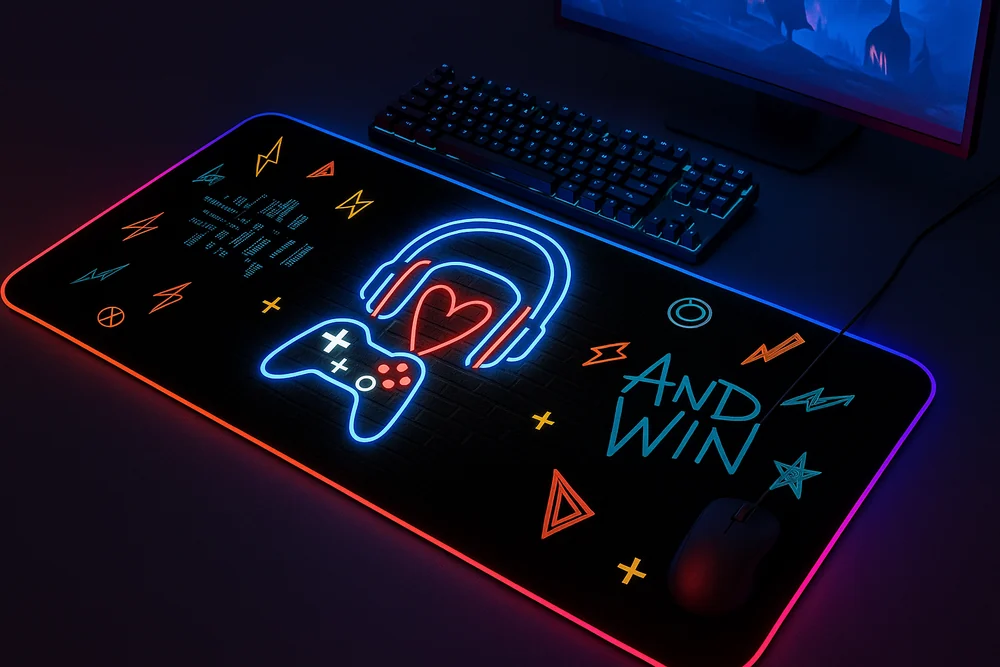
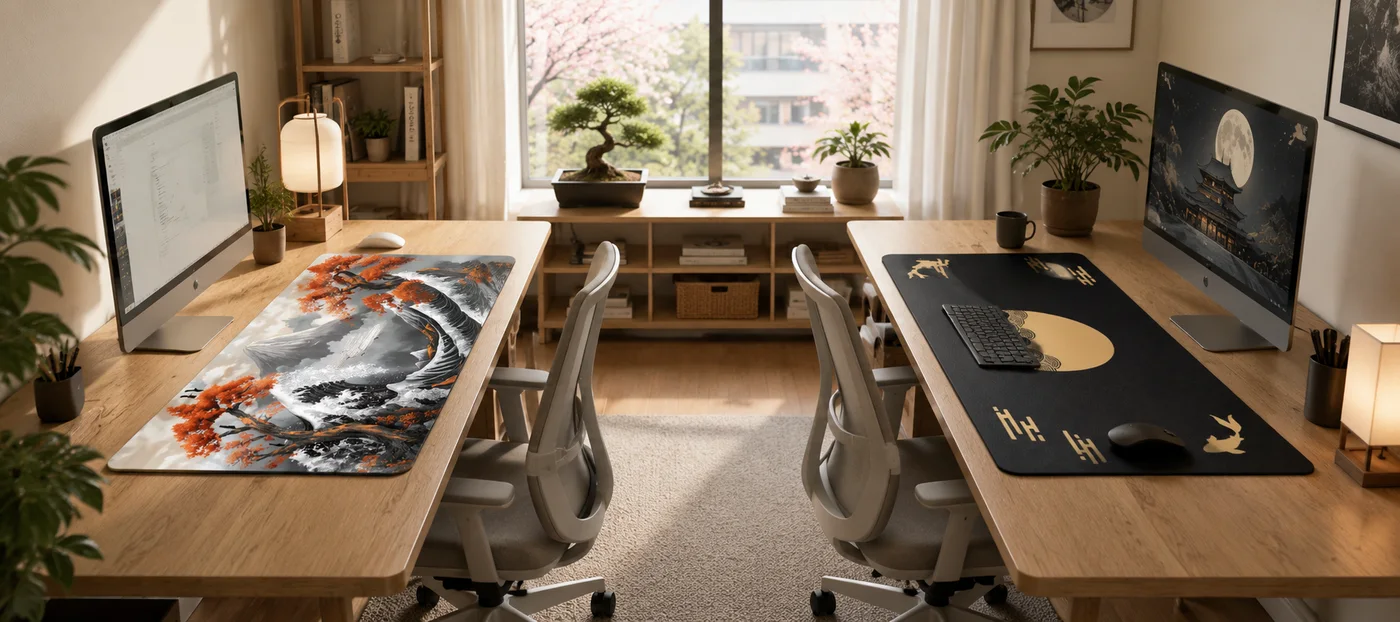
Every printed Deskaru design — from the Japanese desk mat collection to the minimal and neon lines — ships in the XXL 36x16 inch footprint at $39.95 (was $59.95), with a 2 mm profile, stitched edges, and a non-slip rubber base. Our PU leather desk mats split the difference between XL and XXL at 31x16 or 35x17 inches, which suits writing-heavy desks that do not need maximum mouse runway.
The 7x surface math, explained
more surface than a standard 10x8 inch mouse pad
— Deskaru product math, 3,600 vs 500 sq cm, 2026
The multiplier is simple geometry, not a slogan. A standard pad gives you 10x8 inches, which works out to 80 square inches (about 500 sq cm). A 36x16 inch XXL mat gives you 576 square inches (about 3,600 sq cm). Divide one by the other and you land at roughly 7x the working surface. In practice that difference is even bigger than it sounds, because the standard pad's 80 square inches are almost entirely occupied by your mouse and wrist — there is no spare surface at all. The XXL's extra real estate is where your keyboard, deskware, and actual aiming room live.
How to measure your desk for the right mat size
- Measure usable width. Run a tape measure between the things that will not move: PC tower, speaker stands, desk legs that sit proud of the surface. That number, minus about 4 inches of breathing room, is your maximum mat width.
- Measure usable depth. Go from the front edge of the desk to the base of your monitor stand. A 16 inch deep mat wants roughly 18 to 20 inches of clear depth so it neither overhangs the front nor jams under the stand.
- Check the overhang rule. A mat that droops over the front edge curls, wears, and catches your forearms. If your desk is narrower than 38 inches, step down a size class or go compact custom instead.
- Account for monitor arms. If your monitor is on a clamp arm, your full desk depth opens up and a 16 inch mat fits desks as shallow as 20 inches with ease.
Can my monitor stand sit on the mat?
Yes. At 2 mm thick with a dense non-slip base, a Deskaru XXL stays flat and stable under a monitor foot. Most people still prefer the stand behind the mat purely for looks — the printed surface reads cleaner uncovered — but there is no functional downside if your depth is tight.
Keyboard and mouse layouts that fit on 36 inches
Width is where the XXL earns its keep, so it is worth knowing what your keyboard actually takes up. A full-size board with a numpad runs roughly 17 inches wide, a tenkeyless (TKL) around 14, and a 60% board about 11 to 12. Subtract that from 36 inches and the rest is yours. Three layouts I see constantly:
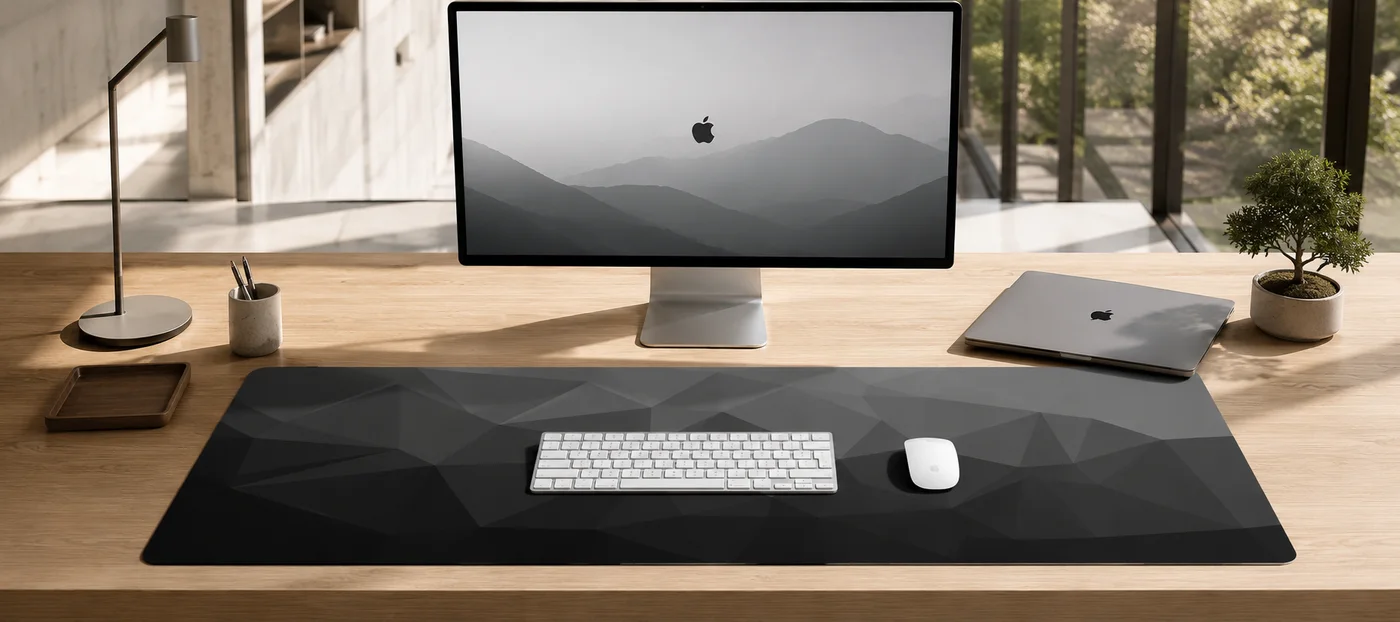
- Centered keyboard, balanced zones. Keyboard in the middle, mouse to the right, phone and coffee to the left. The default for work-plus-gaming desks. Even with a full-size board you keep about 9 inches of mouse room — already more than a standard pad's entire width.
- Keyboard shifted left, maximum runway. Slide a TKL to the left third and you free up around 20 inches of uninterrupted mouse surface. This is the layout low-sens FPS players end up with almost every time.
- 60% board, angled for aim. Compact board tucked far left, often angled, leaving well over 22 inches of glide space. Pure aim-first territory — and the one-piece surface means no pad edge to clip mid-flick.
Low-sens gaming: where surface becomes a skill issue
If you play shooters at low sensitivity, mat size is not a comfort preference — it is part of your aim. Low sens means arm aiming: big, smooth sweeps instead of wrist flicks. At genuinely low sensitivity, a single 180-degree turn can use up most of a standard pad's width in one motion, forcing you to lift, reposition, and re-acquire your target mid-fight. Every lift is a small aim reset, and small aim resets lose duels.
Depth matters too, which people forget. Controlling recoil means pulling the mouse toward you, and a pad only 8 inches deep runs out of room fast. Sixteen inches of depth gives your pull-downs and tracking room to finish. The fine-weave cloth surface is the same across the whole 36x16 area, so your muscle memory does not change when your mouse crosses where a pad edge used to be.
average rating across 10 verified buyer reviews of the XXL design line
— verified buyer feedback, 2026
Plenty of that feedback calls out the size specifically — you can read the recurring themes on our reviews page.
Between sizes? The custom desk mat route
Not every desk wants a 36-inch mat, and not every setup wants one of our 17 stock designs. That is what the custom desk mat line is for. It comes in two footprints: a compact 10x11.5 inch pad at $19.95 for tight desks, laptop stations, and streaming side tables, and the full XXL 36x16 inch at $39.95 for a battlestation printed with your own artwork. Same stitched edges and non-slip base as the stock designs — the only difference is the art is yours.
verified buyer reviews on the custom XXL printing service
— verified buyer feedback, 2026
The flow is deliberately human: you order, then email your image to contact@gamingdeskmat.com with your order number, and a real person checks resolution and print quality before anything goes to production. The full walkthrough, including resolution targets (at least 2000px wide for XXL, 1000px for standard), lives on the send your design page. If your image does not pass review, nothing gets printed and nothing gets wasted.
Quick answers
Will a 36x16 inch mat fit a 40-inch desk?
Yes — with about 2 inches of bare desk on each side, which is exactly the margin you want. Just confirm your desk depth: 20 inches or more is comfortable, and 18 works if your monitor is on an arm.
What is the difference between a desk mat and a mouse pad?
Scale and job. A mouse pad tracks a mouse; a desk mat covers the working zone — keyboard, mouse, and everything between — in one continuous surface. It unifies the setup visually, protects the desk, and removes the pad-edge problem entirely.
Can I get a size other than 36x16 inches?
Within Deskaru: yes, three of them. The compact 10x11.5 inch custom pad, and the PU leather line at 31x16 or 35x17 inches. We do not cut arbitrary dimensions, but between those footprints and the XXL, one of them fits nearly every desk we have measured.
Bottom line: measure your desk once, buy the biggest mat that leaves 2 inches of margin, and stop thinking about it. For most desks that answer is 36x16 — you can browse the full XXL lineup or dig into more setup guides on the blog.

Marcus Vega · Setup Lead at Deskaru
Marcus has built and torn down more battlestations than he can count. He tests every Deskaru mat through real gaming sessions and full work days: glide, edge wear, print quality, and how it survives coffee spills.
$39.95 · free shipping (6-10 business days) · 30-day money-back guarantee. Your design is confirmed in the dropdown at secure checkout.