
The XXL Gaming Desk Mat Built for Your Whole Setup
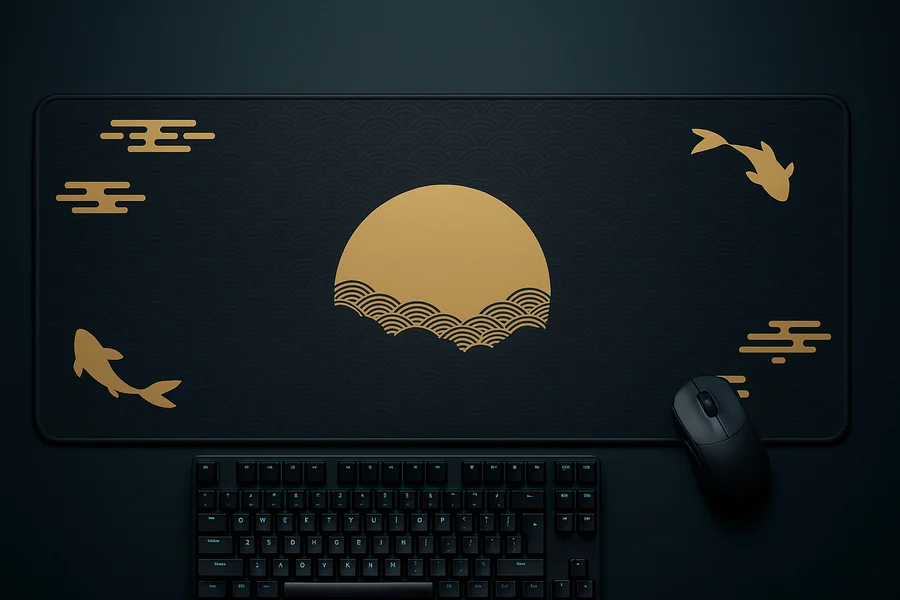
36x16 inches of stitched-edge, HD-printed surface under your keyboard, your mouse, and everything between. Pictured: Golden Moon & Koi, the Deskaru signature. 18 designs, one honest spec, one price.
🚨 Only a few left in stock
All designs in a collection share one secure checkout link — your exact design is confirmed in the dropdown at checkout. See all 18 designs below.
All 18 designs — $39.95 each, one XXL size
Every design below is the exact same mat: 36x16 inches (90x40 cm), 2 mm thick, stitched edges, non-slip base, HD print. Pick the art; the hardware is settled.
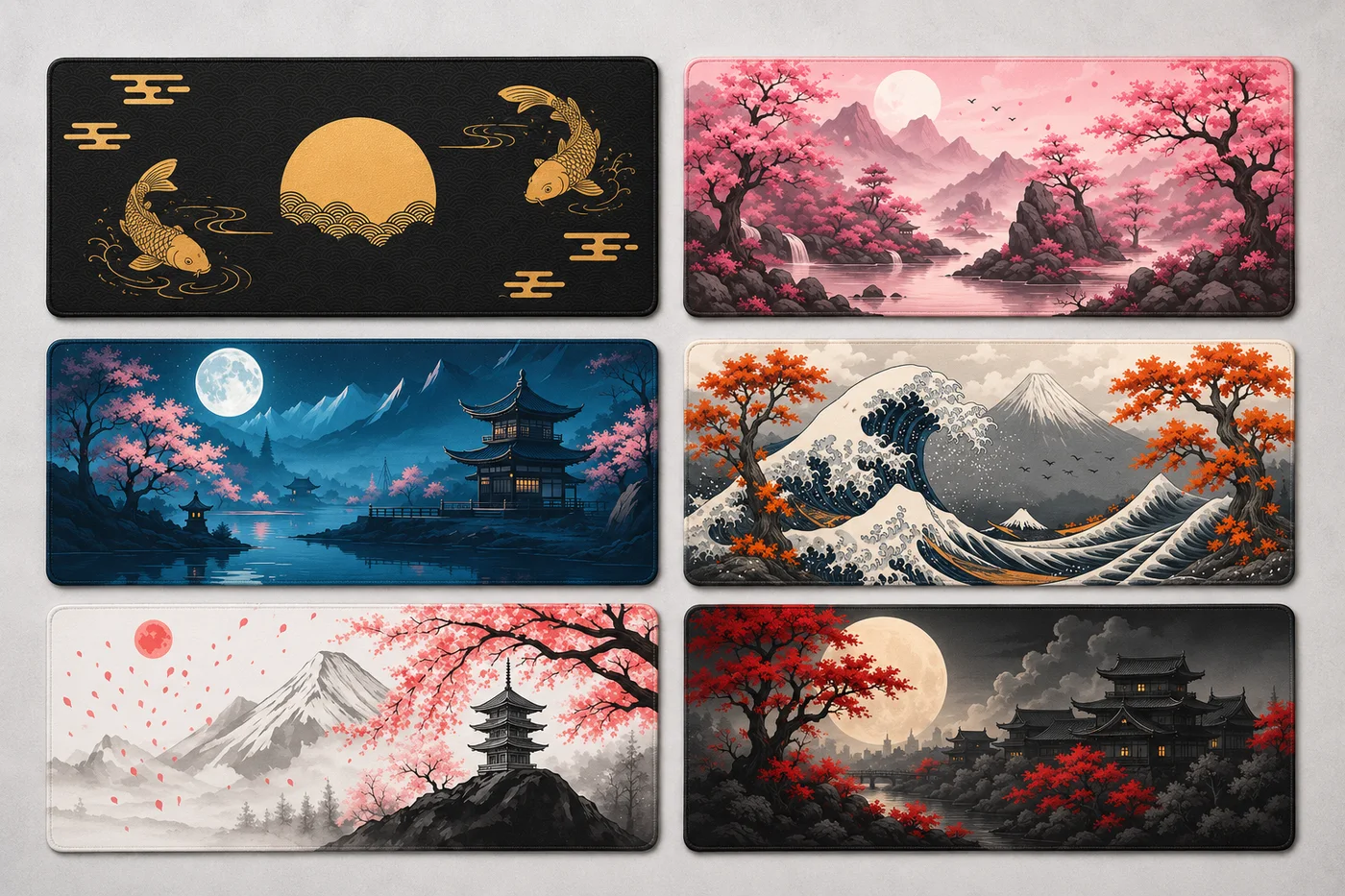
Japanese Collection
Signature · 6 designsThe signature line, and the reason most people find us. Six scenes — koi under a gold moon, cherry blossoms, pagodas at night, the Great Wave — printed in HD across the full 36 inches, so the art never hides under your keyboard. See the full Japanese collection with close-ups →
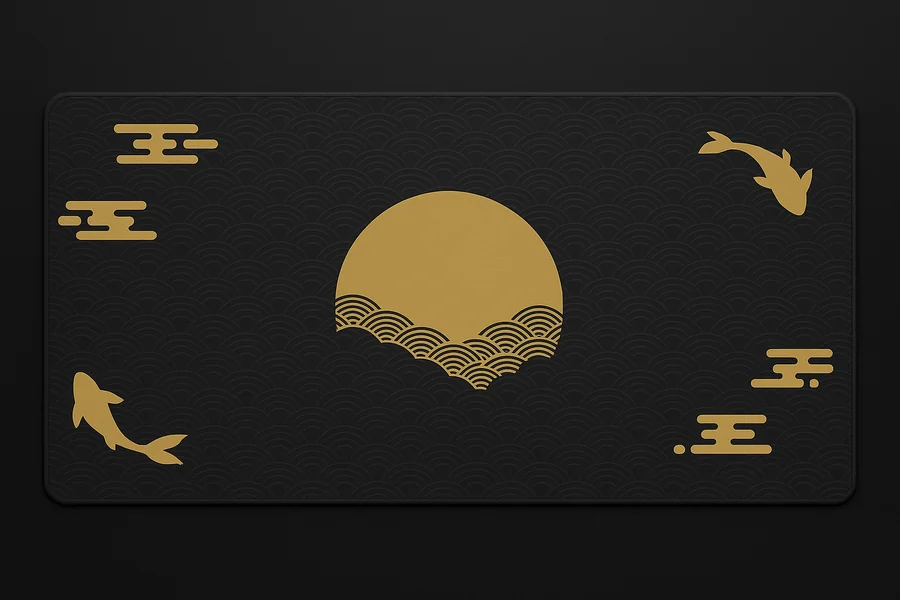
Golden Moon & Koi
The Deskaru signature: gold koi circling a full moon on black. The one in our hero photo.
Select “Golden Moon & Koi” in the dropdown at checkout
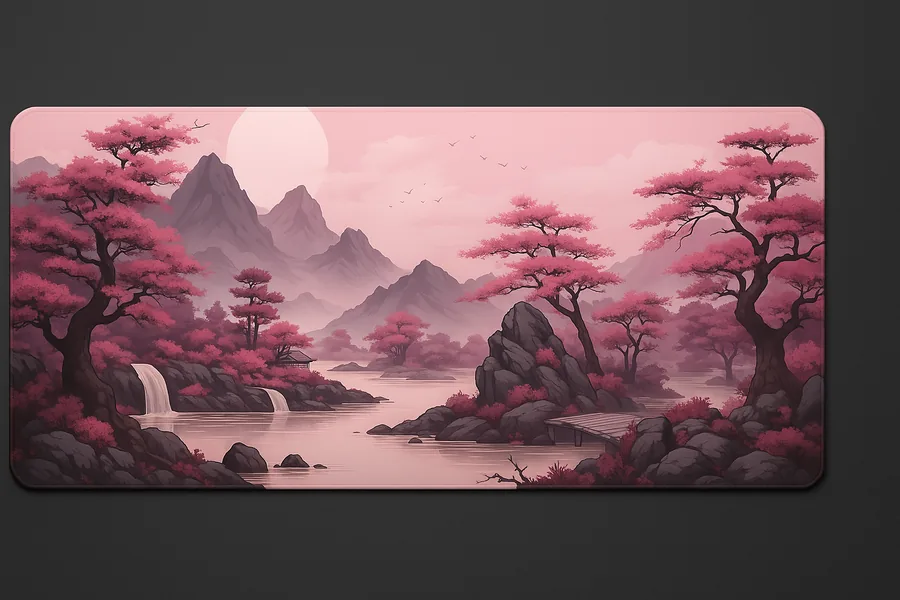
Pink Cherry Blossoms
Soft sakura branches across a pale sky — the calm one, and the most office-friendly of the six.
Select “Pink Cherry Blossoms” in the dropdown at checkout
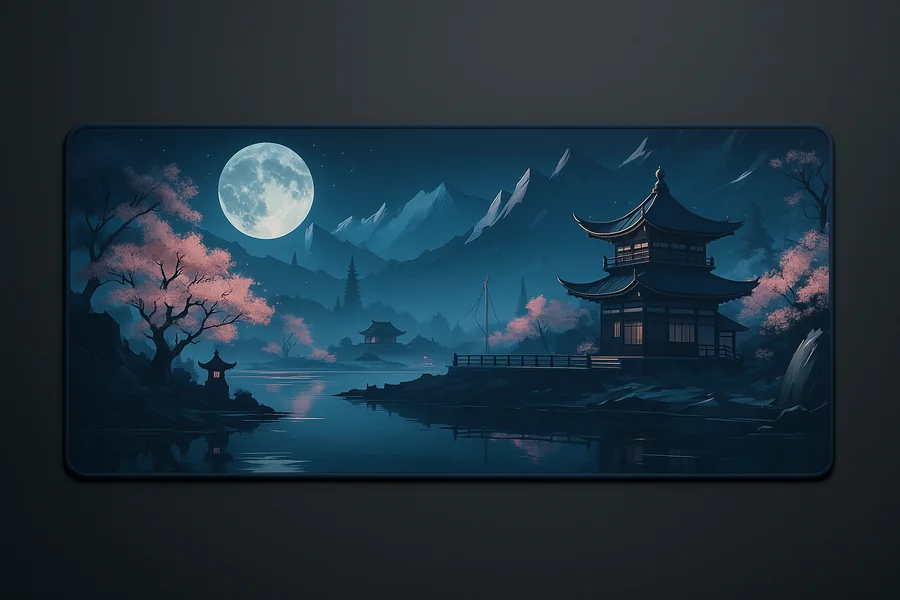
Moonlit Pagoda
A pagoda silhouetted against a deep night sky. Made for dark rooms and dim lamps.
Select “Moonlit Pagoda” in the dropdown at checkout
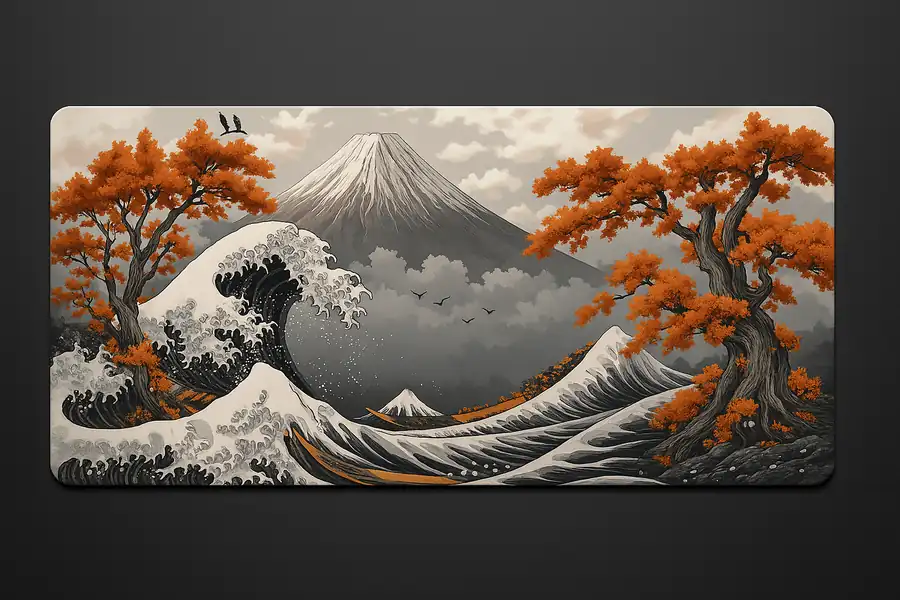
Great Wave & Fuji
The classic wave breaking with Mount Fuji on the horizon, stretched across the full width.
Select “Great Wave & Fuji” in the dropdown at checkout
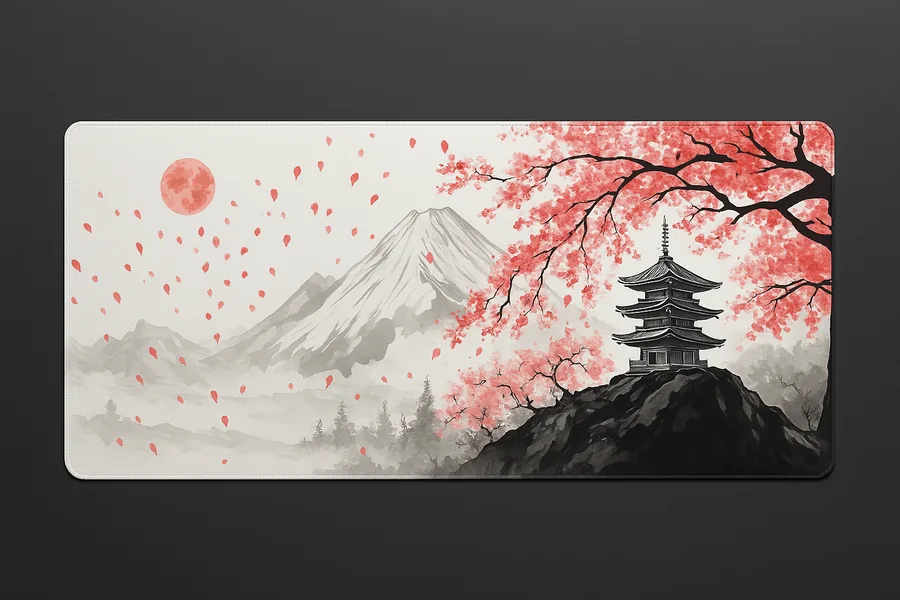
Ink Cherry & Fuji
Ink-wash cherry branches framing Fuji — subtle, high-contrast, and easy to live with.
Select “Ink Cherry & Fuji” in the dropdown at checkout
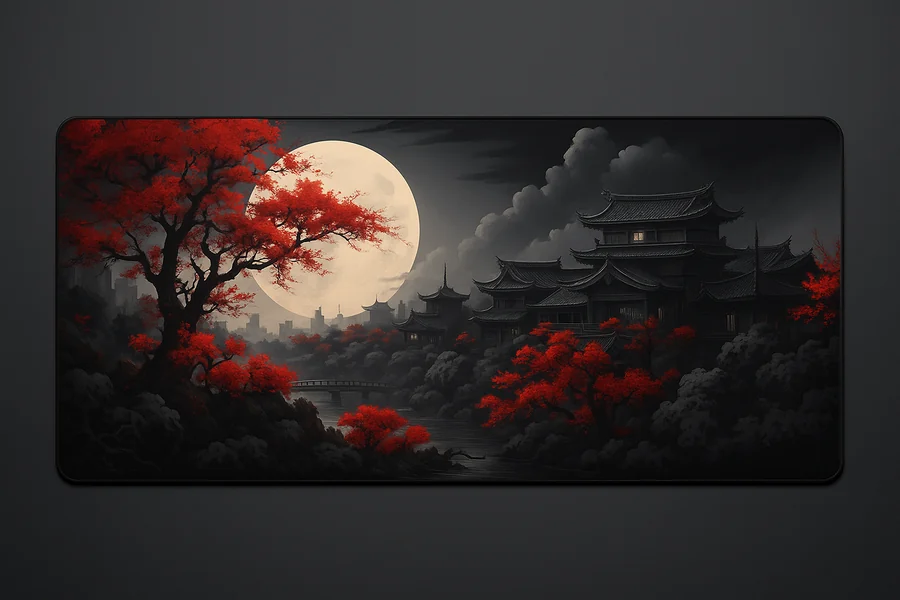
Scarlet Pagoda
A red pagoda scene with bold, warm contrast. The loudest of the Japanese six.
Select “Scarlet Pagoda” in the dropdown at checkout
Minimal Collection
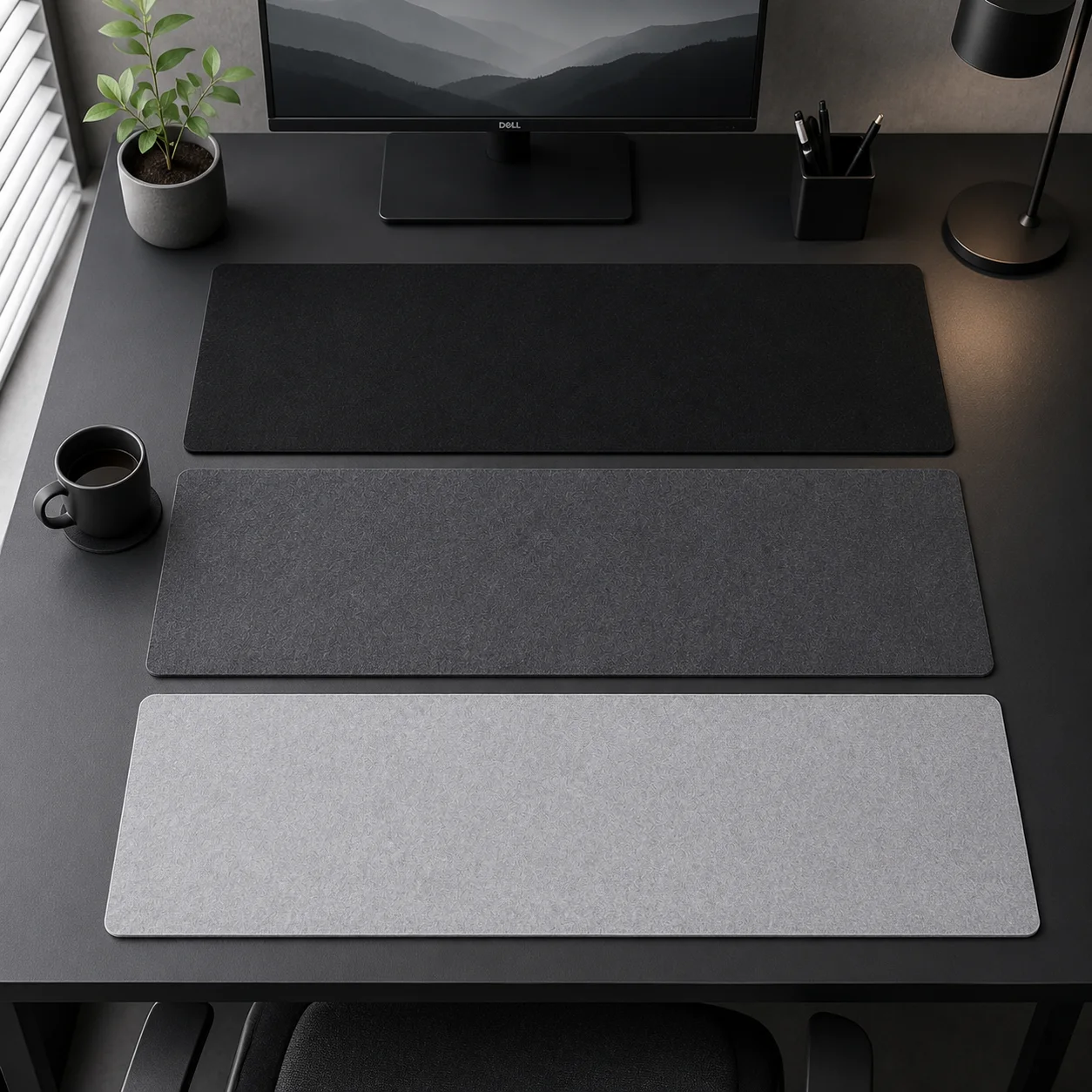
5 designsNo characters, no clutter — five surfaces that make a desk look intentional. Light Gray and Concrete Gray for bright rooms, Black for stealth setups, Origami Grey for a low-poly gradient that catches the light, and World Map for people who want exactly one interesting thing on an otherwise quiet desk. These are the ones we recommend for offices and camera calls.

Light Gray
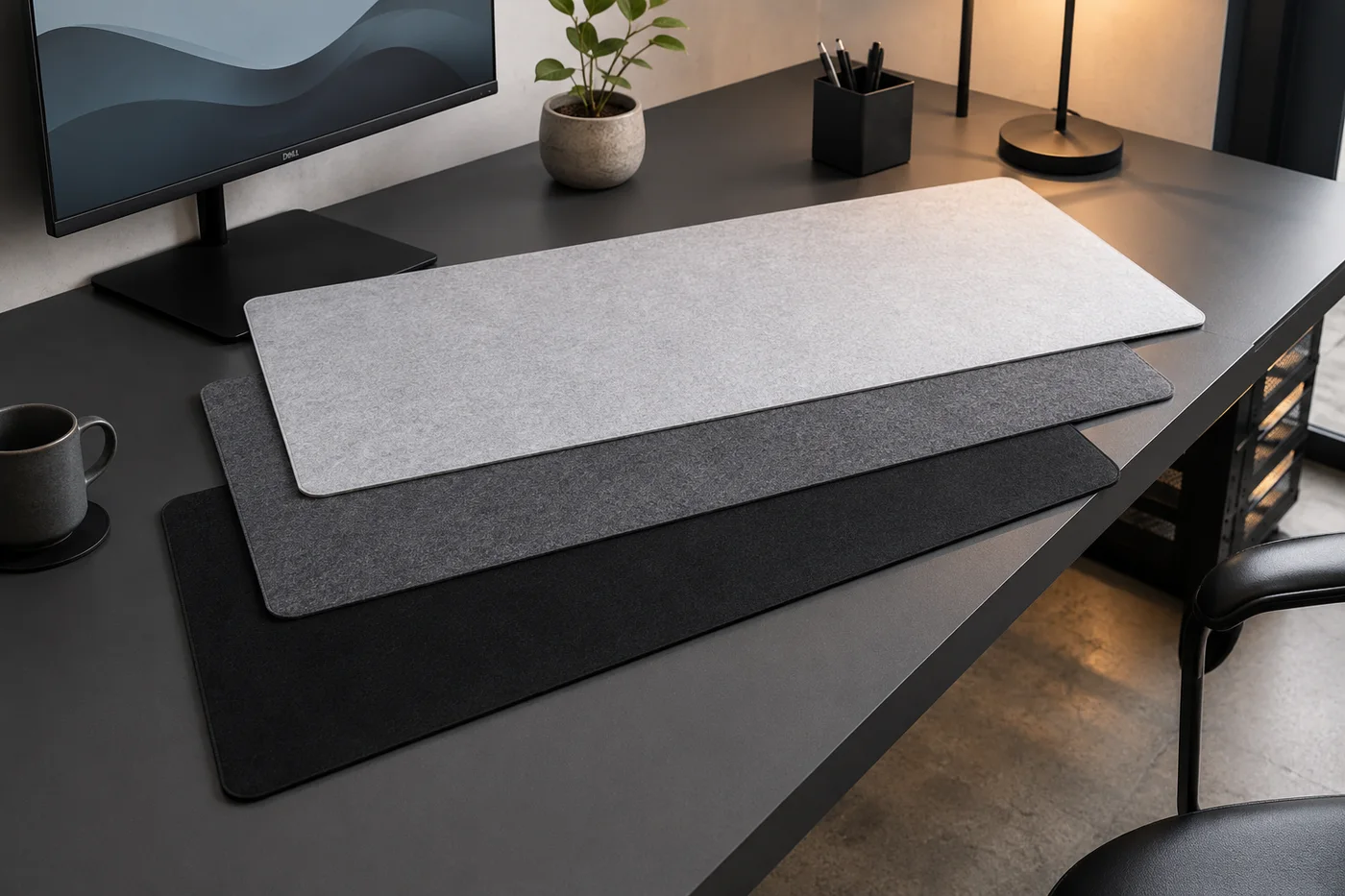
A clean, bright neutral that lifts dark desks without shouting.
Select “Light Gray” in the dropdown at checkout
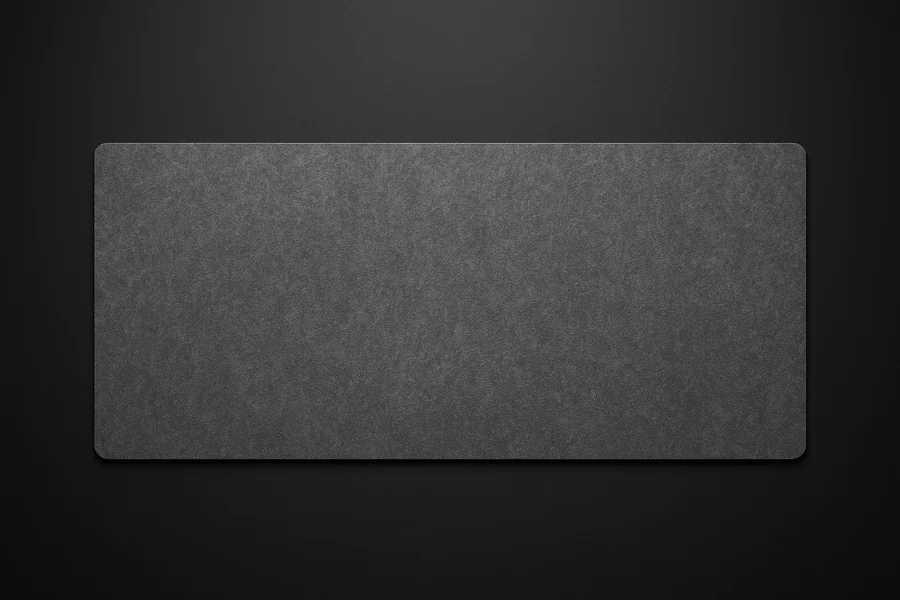
Concrete Gray
Mid-tone gray with a concrete feel — hides dust better than black, quieter than light gray.
Select “Concrete Gray” in the dropdown at checkout
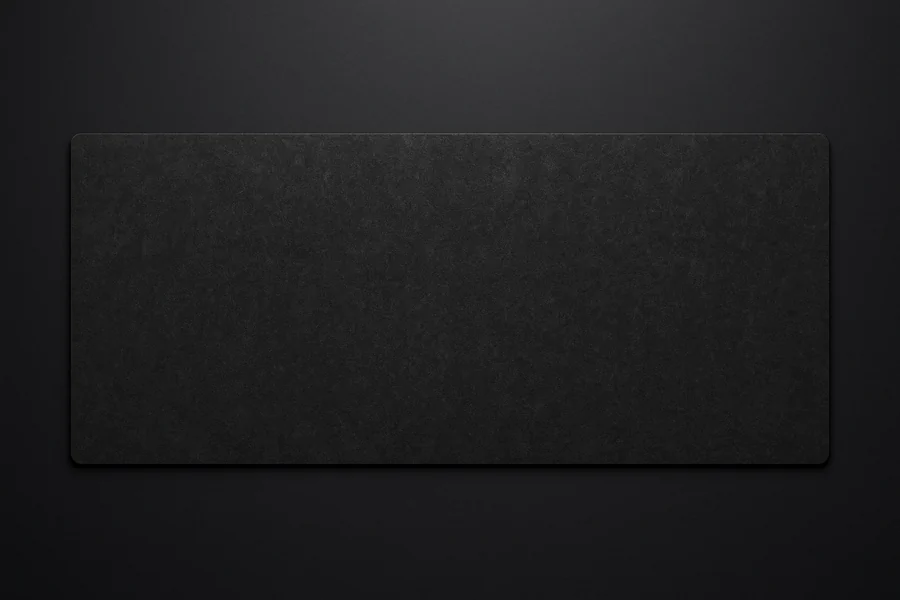
Black
Pure black, edge to edge. The stealth option that makes RGB gear pop.
Select “Black” in the dropdown at checkout
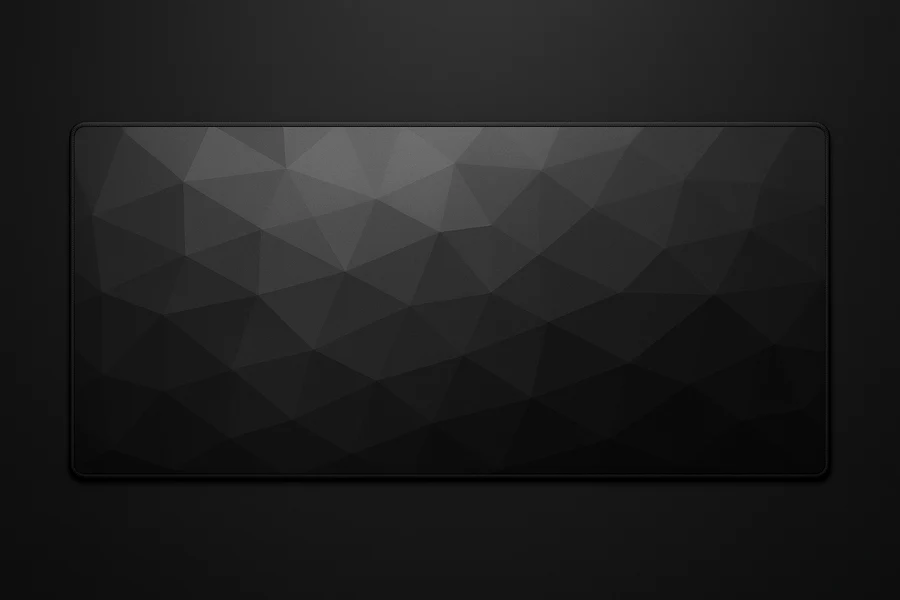
Origami Grey
Triangular facets fading from mid grey to near-black — flat colour, no print gloss, and it shifts as the light moves across the desk.
Select “Origami Grey” in the dropdown at checkout
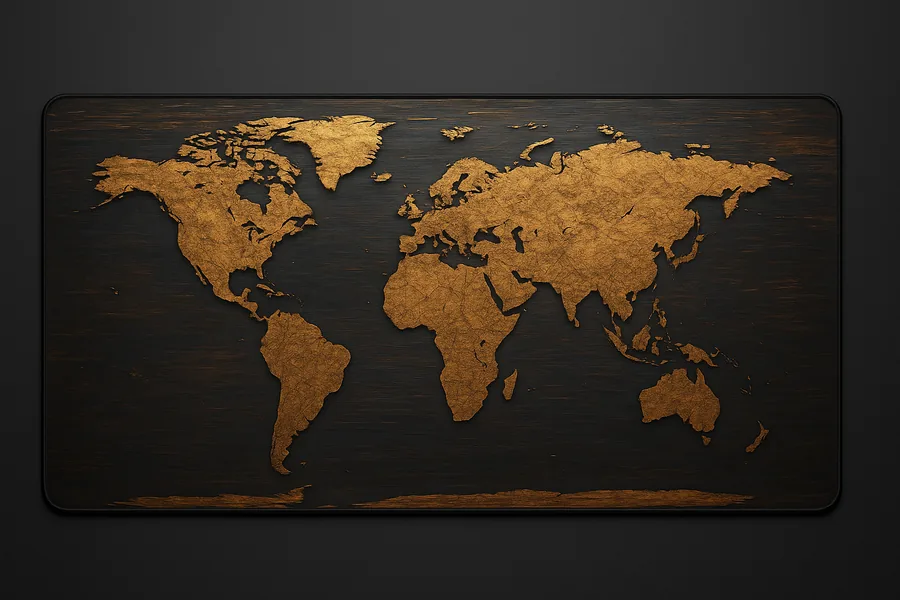
World Map
A full world map across 36 inches — the minimal mat that still starts conversations.
Select “World Map” in the dropdown at checkout
Neon Collection
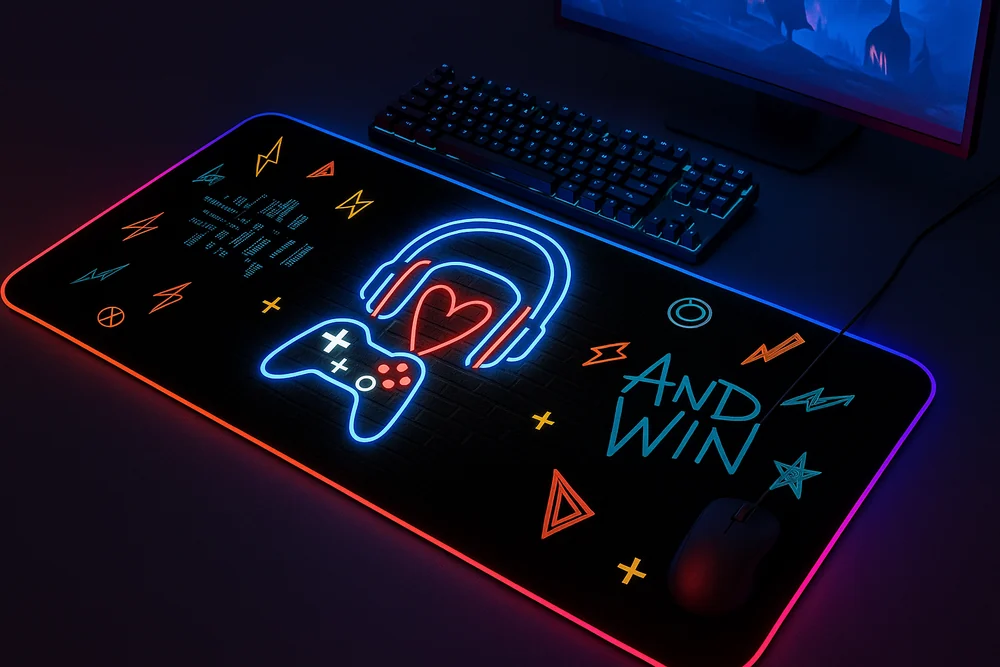
2 designsLoud on purpose. Two prints built for RGB-heavy battlestations — doodle chaos and graffiti type that pick up whatever glow your keyboard throws at them. No LEDs in the mat itself, and none needed.
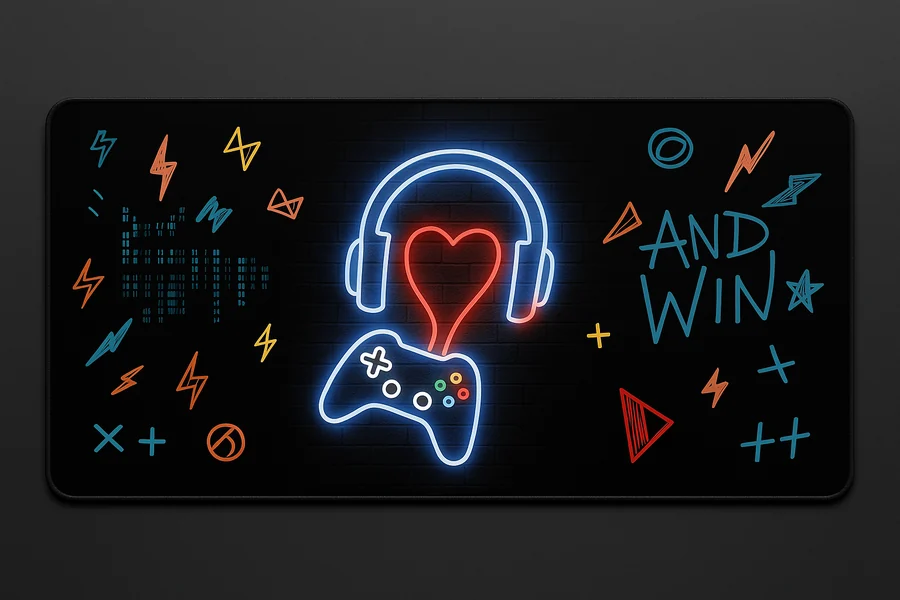
Neon Gamer Doodles
Controllers, arrows, and arcade doodles in electric colors on black.
Select “Neon Gamer Doodles” in the dropdown at checkout
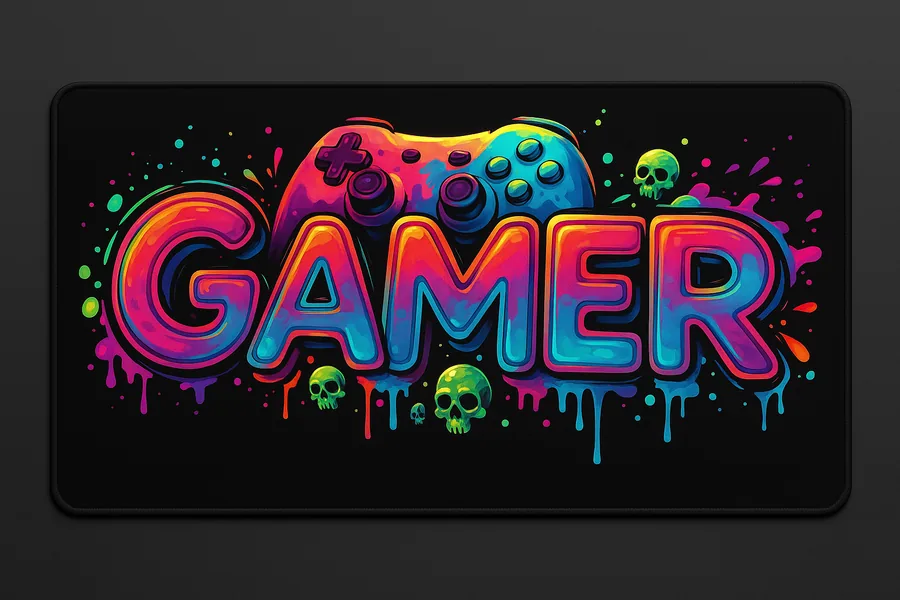
GAMER Graffiti
Bold graffiti lettering with neon accents — the statement piece of the lineup.
Select “GAMER Graffiti” in the dropdown at checkout
Cats Collection
3 designsThe ones buyers keep calling cute — and the ones most often bought for someone else, judging by the gift stories in the reviews. Three moods: a light sketch cat, a pink companion, and a cat guarding its cup.
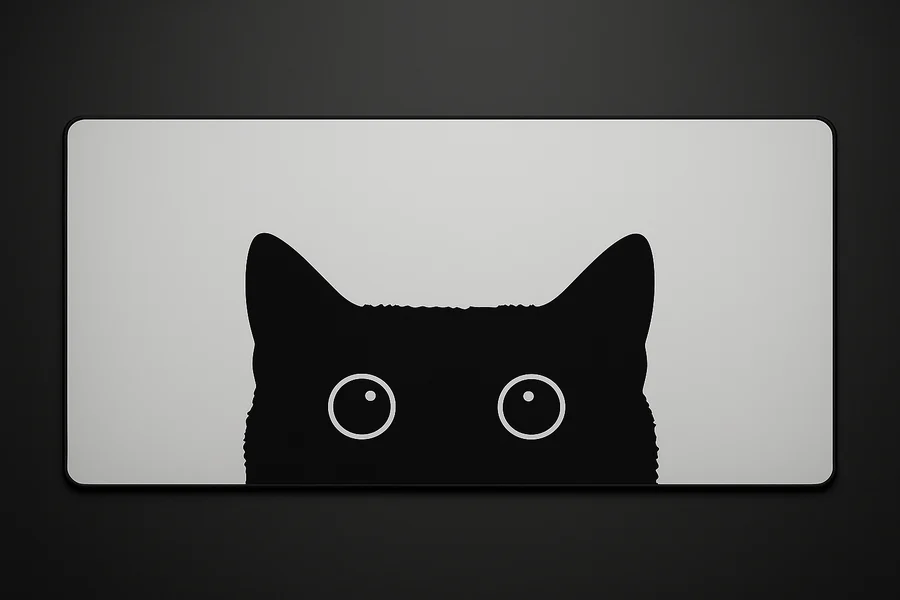
Cozy Cat — Light
A light, sketch-style cat print that softens a workspace without turning it into a nursery.
Select “Cozy Cat — Light” in the dropdown at checkout
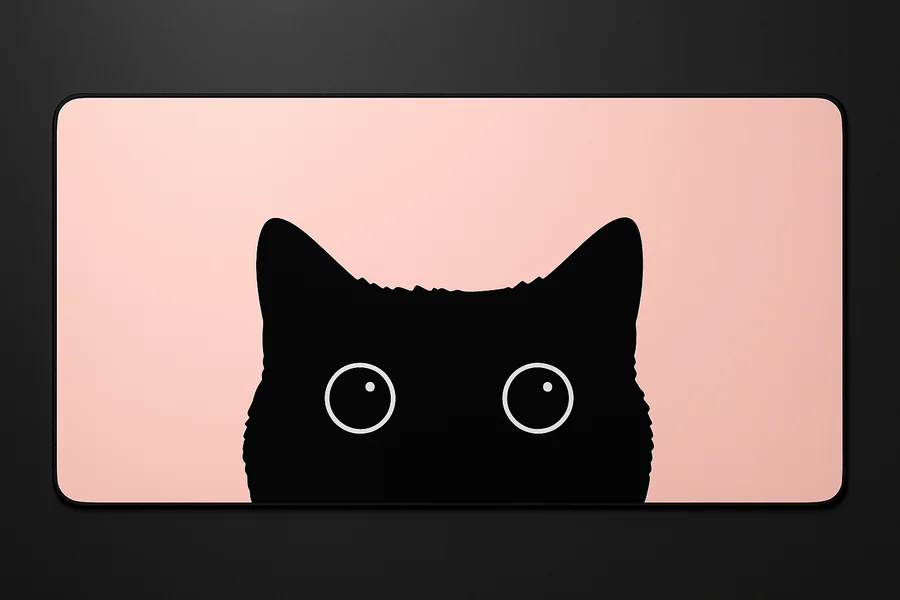
Cozy Cat — Pink
The pink one. Warm, playful, and the most-gifted design we print.
Select “Cozy Cat — Pink” in the dropdown at checkout
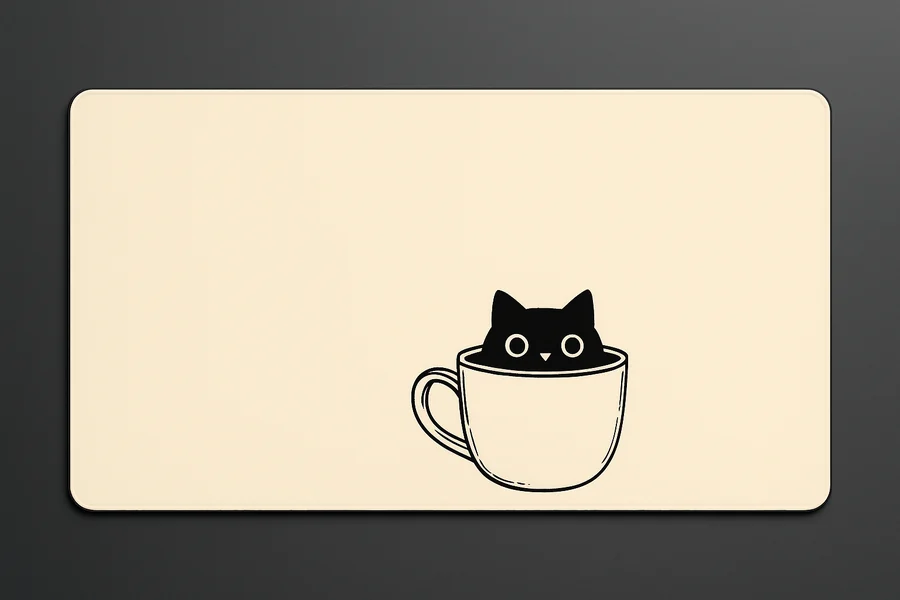
Cat & Cup
A cat and its cup — for desks where the real cat already supervises your coffee.
Select “Cat & Cup” in the dropdown at checkout
Sports Car Collection
2 designsTwo angles of the same low, wide silhouette — for desks that lean more garage than dojo. Clean lines that still read well on a crowded setup.
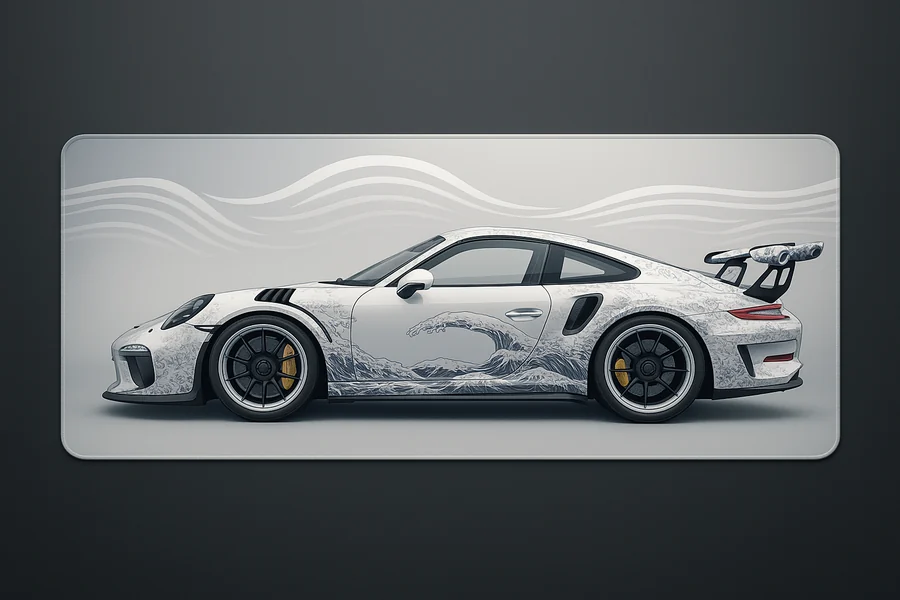
Sports Car — Side Profile
The full side profile, stretched across all 36 inches. Pure silhouette, no badges.
Select “Sports Car — Side Profile” in the dropdown at checkout
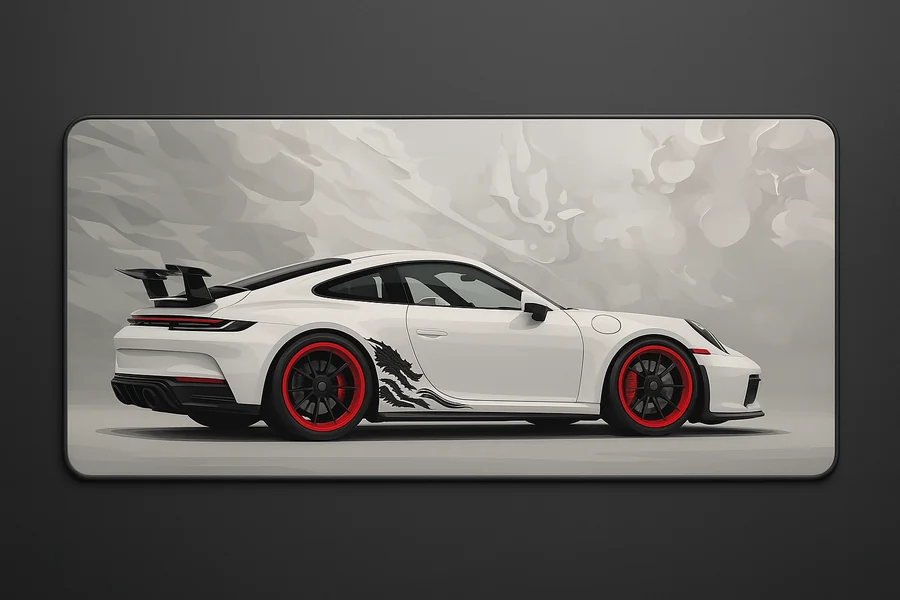
Sports Car — Rear View
Wide rear stance and tail lights — the moodier of the two.
Select “Sports Car — Rear View” in the dropdown at checkout
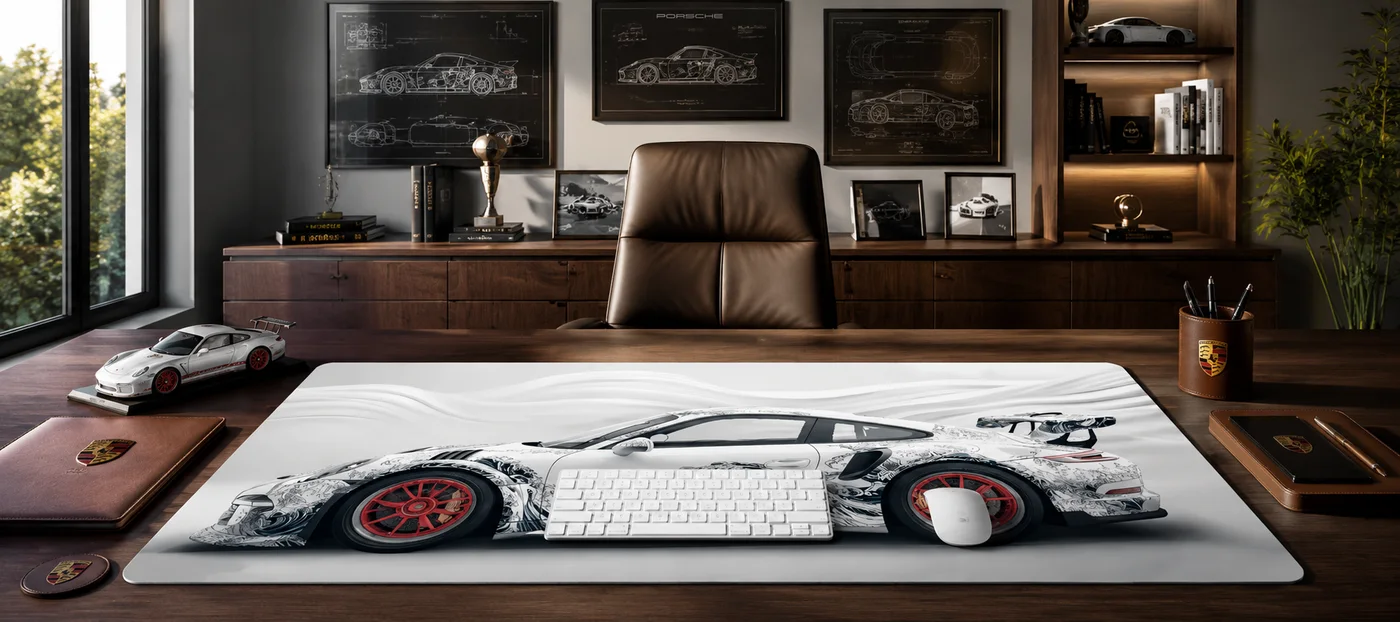
All designs in a collection share one secure Stripe checkout link. Your design is confirmed in the dropdown at secure checkout — just pick the name shown on the card. Cards and Apple Pay accepted · free shipping to 4 countries · 30-day money-back guarantee.
Beyond the printed 17
PU leather & customSame store, different tools: a smooth PU leather mat for writing-heavy desks, and a human-reviewed custom print service if the design you want is one you already own.
PU Leather Desk Mat
Smooth, firm PU leather (we say PU because it is PU) that wipes clean in seconds and looks right under paperwork and laptops. Four colors — Chocolate, Latte, Eggshell, Khaki — in 31x16 or 35x17 inches.
Color and size chosen on the leather page
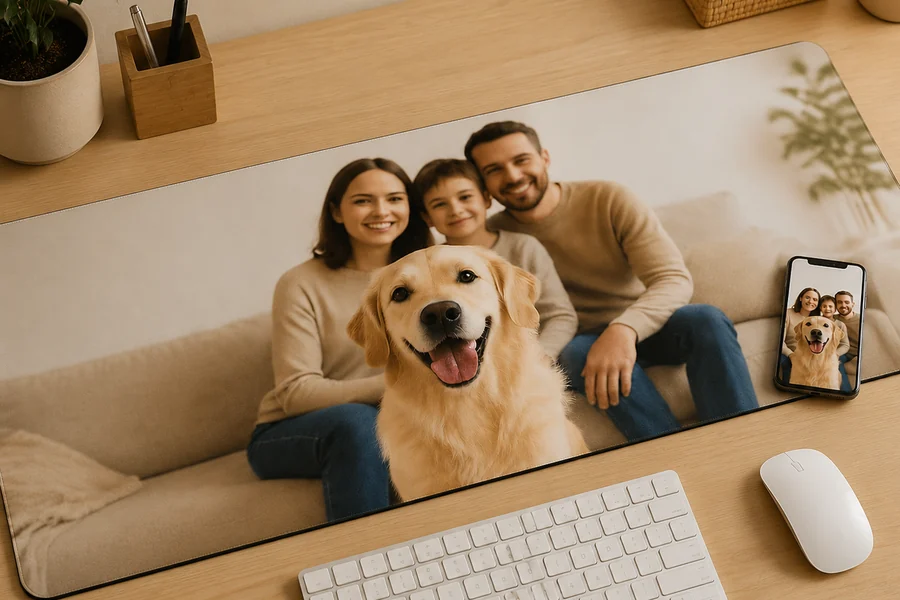
Custom XXL Desk Mat — Your Image
Your own art, photo, or wallpaper printed edge to edge at 36x16 inches. A human reviews your file and confirms the print with you before production — no validated image, no production.
After payment, email your image — upload steps here
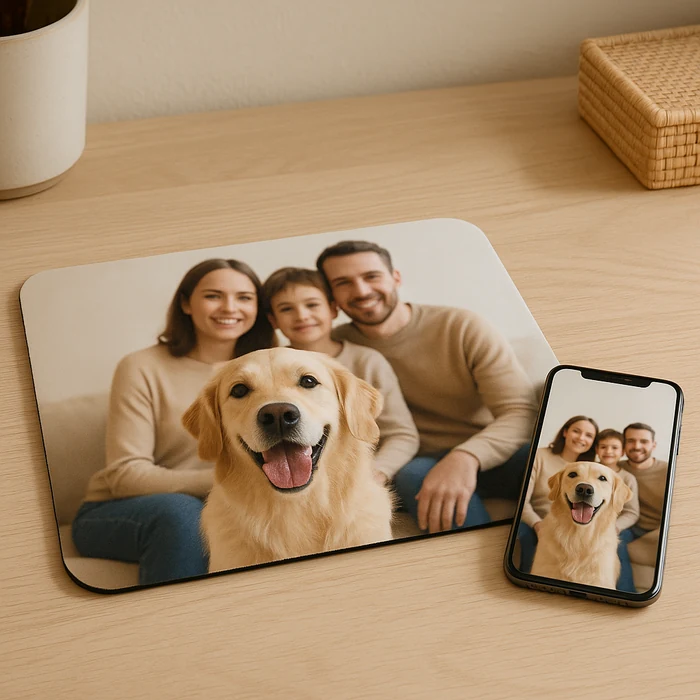
Custom Mouse Pad — 10x11.5 inch
The same human-reviewed printing at classic pad size — for small desks, office setups, or test-driving your artwork before committing to the full XXL.
Full guide on the custom desk mat page
Why a full-desk gaming mat beats a small mouse pad
Here is what actually happens on a bare desk. Your keyboard creeps a few millimeters every session until it sits crooked. Your little mouse pad ends mid-swipe, so your sensor crosses from cloth to laminate right when the fight starts. Your wrists park on a hard desk edge for hours. And the desk itself slowly collects the evidence: micro-scratches from the mouse, heat rings from the mug, a shiny worn patch where your palm lives.
An XXL gaming desk mat fixes all four problems with one object. The Deskaru mat measures 36 by 16 inches — 90 by 40 centimeters — roughly seven times the surface of a standard pad. Your full-size keyboard, your mouse, and both forearms sit on the same 2 mm layer of fine-weave fabric. The underside is textured non-slip rubber, so the whole platform stays planted. Verified buyers put it plainly: “Exactly as advertised. Doesn’t slide anywhere.” Another fit a full keyboard and a drawing tablet on one “and there’s still some space.”
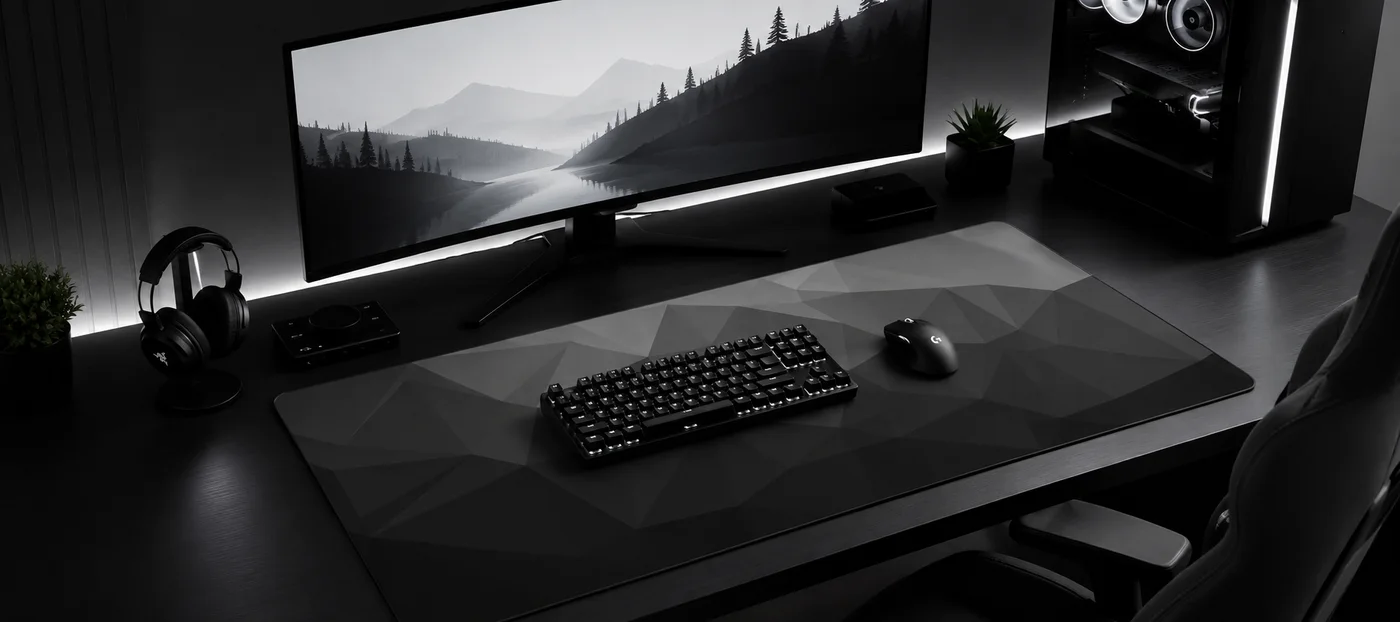
The part most product pages skip: consistency matters more than raw size. When your mouse reads one texture across the entire surface, your aim feels the same at the center as at the edges. When your keyboard sits on grippy fabric instead of laminate, it stays exactly where you put it. And because the mat is only 2 mm thick, your typing angle does not change and your wrist does not kink over a fat edge — it just gains a slightly cushioned landing.
Then there is the desk. If you spent real money on a wood top, or you are renting a desk you would like to return intact, the mat is cheaper insurance than refinishing. Spills wipe off the weave, mugs stop leaving rings, and the reinforced stitched edges mean the mat itself does not fray into sad gray lint after six months — the usual death of cheap pads. Every design below is the same hardware: one size, one thickness, one price. The only decision left is what it looks like.
Built like the pad you keep, not the one you replace
Stitched edges, HD print
Every mat has reinforced stitched edges and a high-definition print across the full 36x16 inch surface — the artwork does not stop where your keyboard sits, and the edges do not unravel.
Fraying edges are how most desk mats die; stitching is the fix, and here it is standard, not a premium tier. The print itself holds up to inspection — “well printed and not blurry at all. impeccable,” as one verified buyer wrote. Pick from 18 designs across five collections, from the Japanese signature line to plain black.
Non-slip rubber base
The underside is textured rubber that grips the desk, so the mat — and everything sitting on it — stays where you put it, even during frantic low-sens swipes.
This is the difference between a desk mat and a big piece of fabric. Buyers mention it unprompted: “It has little grippers on the bottom to hold it in place,” and “It doesn’t slide anywhere.” The mat ships rolled, settles flat, and then simply stops moving. Your keyboard stops drifting with it.
2 mm consistent glide
A fine, uniform weave gives your mouse sensor one predictable texture across the entire mat, and 2 mm of thickness cushions your wrists without raising your typing angle.
One verified buyer put it simply: “my mouse glides on it with ease, easier than on my previous mousepad.” That is the texture change and the pad-edge snag gone, which is exactly what makes aim feel inconsistent on a small pad.
XXL vs a standard pad: the same desk, compared honestly
We laid a standard 10x8 inch pad and our 36x16 inch XXL on the same desk and lived with each layout through ranked sessions and full workdays. The surface math is simple product measurement; the fit findings come from actually using both. Here is what changed, line by line:
| What we compared | Standard 10x8" pad | Deskaru XXL 36x16" |
|---|---|---|
| Usable surface | About 500 cm² | About 3,600 cm² — roughly 7x more |
| What fits on it | The mouse. That is it. | Full-size keyboard, mouse, and headset, with space left over |
| Low-sens mouse swipes | Wide swipes run off the pad edge | Full arm swipes stay on fabric, corner to corner |
| Wrist and forearm room | Wrists rest on the bare desk edge | Both wrists and forearms on 2 mm of cushioned weave |
| Desk protection | One small square protected | Scratches, spills, and mug rings stopped across the whole main zone |
| Glide consistency | Feel changes the moment you leave the pad | One texture across the entire surface |
The numbers we can actually back up
the surface of a standard 10x8 inch pad — 36x16 inches works out to roughly 3,600 cm² versus about 500 cm²
— Deskaru product measurements, 2026
average rating across 18 verified buyer reviews on the Deskaru mats we sell
— Verified buyer feedback, 2026
Both figures come straight from our own measurements and our verified buyer feedback.
What $39.95 buys you over a standard 10x8 inch pad
| What matters | Deskaru XXL 36x16" | Standard 10x8" pad |
|---|---|---|
| Surface you actually get | About 3,600 cm², keyboard and mouse together | About 500 cm², the mouse and nothing else |
| Design range | 18 HD designs plus full custom printing | One print, take it or leave it |
| Edges | Reinforced stitched edges on every mat | Usually unstitched, and the edge frays first |
| Custom option | Yes, human-reviewed before production | No |
| Guarantee | 30-day money-back plus free shipping | Whatever the box came with |
| Where it wins | Size, print quality and design choice | Fits in a drawer |
One spec, made properly: 36x16 inches, 2 mm thick, stitched edges, non-slip rubber base, at $39.95 instead of $59.95. It carries a 4.9/5 average across verified buyer feedback (2026), ships free, and comes with a 30-day money-back guarantee. Pick from 18 HD designs or send us your own artwork for the same price.
Every setup upgrade promises immersion. A desk mat delivers something more boring and more useful: your keyboard stops drifting, your wrists stop resting on a hard edge, and your mouse reads one texture instead of three. I have torn down enough battlestations to know the $39.95 mat outlasts half the $150 gadgets on the same desk.— Marcus Vega, Setup Lead at Deskaru
How to choose your desk mat
The 3-minute buying guide
Start with the size check. The mat is 36 inches wide and 16 inches deep. Measure your desk: if the top is at least 40 inches wide, the mat sits centered with breathing room; on a 36-inch desk it runs edge to edge, which some people love and some do not. Sixteen inches of depth leaves room for wrists in front and a monitor stand behind on most desks. If your desk is smaller than the mat, the custom 10x11.5 inch pad is the better call — same print process, $19.95.
Pick a lane by how your setup already looks. If your room runs dark with warm accents, the Japanese collection is the signature for a reason — Golden Moon & Koi and Moonlit Pagoda read as art, not accessory. If you keep a clean desk for work calls, Minimal in Light Gray, Concrete Gray, or Black disappears politely, Origami Grey adds depth without a single motif, and World Map is the quiet one that still gets comments. RGB-heavy battlestation? The Neon pair leans into it. Buying for someone else? Judging by verified buyer notes, the Cats mats are the gift pick — “perfect gift for her home office desk” is nearly a genre of its own in the feedback.
Fabric or PU leather. The 17 design mats are woven fabric — that is what you want under a gaming mouse, because the sensor tracks one predictable texture and the surface adds a touch of cushion. The PU leather mat is a different tool: a smooth, firm writing surface that wipes clean instantly and looks right in an office. It is PU, which is exactly why it wipes clean and never marks, and we would pick it for handwriting, laptops, and clean-desk setups over twitchy FPS aiming.
Consider custom. If you own art, a photo, or a screenshot you love, the custom XXL prints it edge to edge for the same $39.95. You pay first, then email the file with your order number; a real person checks the resolution — aim for 2000px or more on the long side — and confirms the print with you before anything goes to production. We politely refuse copyrighted characters and logos, so do not send us someone else’s mascot.
Care is genuinely simple. Brush crumbs off, wipe spills with a damp cloth and a drop of mild soap, air-dry flat. No machine washing, no dryer. For more setup thinking — layouts, desk sizes, what actually improves a session — the Deskaru blog covers it without the usual affiliate fluff.
Specifications
| Surface | 36 x 16 inches (90 x 40 cm) |
| Thickness | 2 mm |
| Top | Fine-weave textile with HD print |
| Base | Textured non-slip rubber |
| Edges | Reinforced stitched edges |
| Designs | 17, across 5 collections (+ custom printing) |
| Price | $39.95 (was $59.95) |
| Shipping | Free · 6-10 business days · US, CA, GB, AU, NZ, IE |
| Returns | 30-day money-back guarantee |
The PU leather mat differs: 31x16 or 35x17 inches, four colors — full details on the leather desk mat page.
Verified reviews: 18 reviews, 4.9/5 average
These are pulled word for word from verified buyer feedback on these exact mats — including the measured ones, with the photos the buyers posted themselves. Notice nobody is screaming; they mostly say it arrived flat, gripped the desk, and looked like the photos. That is the product. More of them, photos included, on the reviews page.
“Exactly as advertised. Doesn’t slide anywhere and is very high quality material for what i paid. Arrived very neat and undamaged. No weird factory scent, which is pretty rare!”
— Verified buyer
“Exactly as advertised. Doesn't slide anywhere and is very high quality material for what I paid. Arrived very neat and undamaged. No weird factory scent, which is pretty rare!”
— Verified buyer
"The order came exactly as requested. Quality looks impeccable."
— Verified buyer · custom XXL print
Verified buyer feedback.

Marcus Vega · Setup Lead at Deskaru
Marcus has built and torn down more battlestations than he can count. He tests every Deskaru mat through real gaming sessions and full work days: glide, edge wear, print quality, and how it survives coffee spills.
Reviewed and updated July 2026. See how we test.
Gaming desk mat questions, answered straight
What size is a Deskaru gaming desk mat?
Every design mat is one size: 36x16 inches (90x40 cm) — about 7x the surface of a standard 10x8 inch pad, with room for a full-size keyboard and mouse. The PU leather mat comes in 31x16 or 35x17 inches, and custom prints come in a 10x11.5 inch standard size or the same 36x16 inch XXL.
How thick is the mat, and does it lie flat?
It is 2 mm thick — enough cushion for your wrists without changing your typing angle. Mats ship rolled and settle flat quickly; verified buyers regularly note theirs arrived without creases. The textured non-slip rubber base keeps the whole surface planted once it is down, so it will not creep mid-session.
How do I clean a gaming desk mat?
Brush off crumbs, then wipe with a damp cloth and a drop of mild soap. Blot it and let it air-dry flat before putting gear back on. Skip the washing machine and the dryer — both are rough on the print and the rubber base. The PU leather mat is even simpler: wipe it and you are done.
How long does shipping take, and what does it cost?
Shipping is free on every order. Delivery takes 6 to 10 business days, and we ship to {SHIP_COUNT} countries across North America, the UK, Europe and Australia — the full list is in our Shipping Policy. Checkout runs through Stripe, so your payment details never touch our servers.
What if the mat does not work for my desk?
Every order carries a 30-day money-back guarantee. If the size is wrong, the design is not what you expected, or you simply changed your mind, email contact@gamingdeskmat.com with your order number and we will sort out the return and refund. No forms, no restocking fee, no interrogation.
Can I get a custom printed desk mat?
Yes — a 10x11.5 inch pad for $19.95 or the full 36x16 inch XXL for $39.95. You order first, then email your image with your order number. A human reviews the file — aim for at least 2000px on the long side for XXL, 1000px for standard — and confirms the print with you before production. No validated image, no production, zero risk. We politely decline copyrighted characters and logos.
Is the leather desk mat real leather?
It is PU leather, and that is the point: a smooth, firm writing surface that resists water and wipes clean in seconds, in four colors — Chocolate, Latte, Eggshell, Khaki — and two sizes. For gaming glide, pick a fabric mat; for a desk that handles paperwork and laptops, PU is the practical choice.
Do Deskaru mats have RGB lighting?
No. Our designs are printed, not lit — no LEDs, no cables, nothing to plug in or update. If you want glow, your keyboard and monitor already provide it, and the Neon collection is drawn to look right under it. A printed mat also has one advantage no RGB pad offers: nothing on it can die.
Pick the design. The hardware is already settled.
$39.95, free shipping in 6-10 business days, 30-day money-back guarantee. Questions before you order? A human answers.
Browse all 18 designs →